Experience unmatched control with the advanced Lunar Brightness Control feature of the Orphek App!

A New Standard in Lunar Precision by Orphek
Orphek is not simply updating the Orphek iCon App — we are introducing a breakthrough technology that redefines how moonlight is controlled in reef aquariums.
Building on the unmatched controllability of the Orphek iCon ecosystem, we proudly introduce Lunar Mode Brightness Limit — an advanced feature that delivers unprecedented precision in nocturnal lighting management.
For the first time, users can define a maximum brightness limit for each individual channel during Lunar Mode, allowing moonlight to be fine-tuned with extraordinary accuracy and biological relevance.
This innovation elevates lunar lighting control beyond traditional intensity curves, delivering true biological precision aligned with natural lunar conditions.
Unlike conventional moonlight settings, Lunar Mode Brightness Limit ensures that nocturnal illumination never exceeds biologically appropriate thresholds, supporting coral health, natural nocturnal behavior, and spawning cues — while eliminating the risks associated with excessive nighttime light exposure.
Moonlight is not decorative. It is a biological signal!

What Lunar Mode Brightness Limit Delivers
With this new feature, Orphek iCon users gain:
- Per-channel lunar brightness control from 0.01% to 1.00%
- Immediate, real-time application of all adjustments
- Full integration with Sun & Moon Synchronization
- Improved stability of coral circadian and lunar rhythms
- Exceptional precision for research facilities, coral farming, and advanced reef systems
This advancement reinforces Orphek’s leadership in biologically driven aquarium lighting, translating scientific collaboration into practical, accessible tools for serious reef aquarists worldwide.
Lunar Mode Brightness Limit
Precise Control of Moonlight Intensity
Orphek has enhanced Lunar Mode by allowing users to define the maximum brightness level for each individual LED channel during moonlight operation.
This feature provides unprecedented control over nocturnal illumination, ensuring biologically accurate moonlight simulation while preventing excessive nighttime exposure.
Feature Overview
- Independent maximum brightness control per channel in Lunar Mode
- Adjustable range per channel: 0.01% – 1.00%
- Changes apply instantly
- Fully compatible with Sun & Moon Synchronization
- Open the Orphek iCon App
- Navigate to the Lunar section
- Locate and activate the Brightness Limit button
- Adjust each channel slider:
- Minimum: 0.01%
- Maximum: 1.00%
- Changes take effect immediately
- Verify applied values by opening the Dashboard while Lunar/Moon Mode is active
Note: This feature affects Lunar Mode only and does not alter daylight or programmed intensity levels.
How to Enable Lunar Brightness Limit
- Open the Orphek iCon App
- Navigate to the Lunar section
- Locate and activate the Brightness Limit button
- Adjust each channel slider:
- Minimum: 0.01%
- Maximum: 1.00%
- Changes take effect immediately
- Verify applied values by opening the Dashboard while Lunar/Moon Mode is active
Note: This feature affects Lunar Mode only and does not alter daylight or programmed intensity levels.
Update, Connect, and Create with Full Controllability: Orphek iCon App – The Future of Aquarium Lighting
To ensure optimal performance, system stability, and access to the latest features, the Orphek iCon App must remain up to date.
If the app is already installed, verify that you are using the most recent version before continuing.
Automatic Upgrade:
The Auto Upgrade feature can be enabled to automatically apply available updates.
Some updates may still require manual confirmation to complete the process.
How to Update the App:
- Select UPDATE NOW
- Wait for the update to complete
- Perform NET PAIRING immediately after the update
(NET Pairing is required after firmware updates or connectivity interruptions)
How to Perform NET Pairing:
- Press the device reset button four times
- Reconnect the device in the app by following on-screen instructions
Practical Benefits for Reef Aquarists
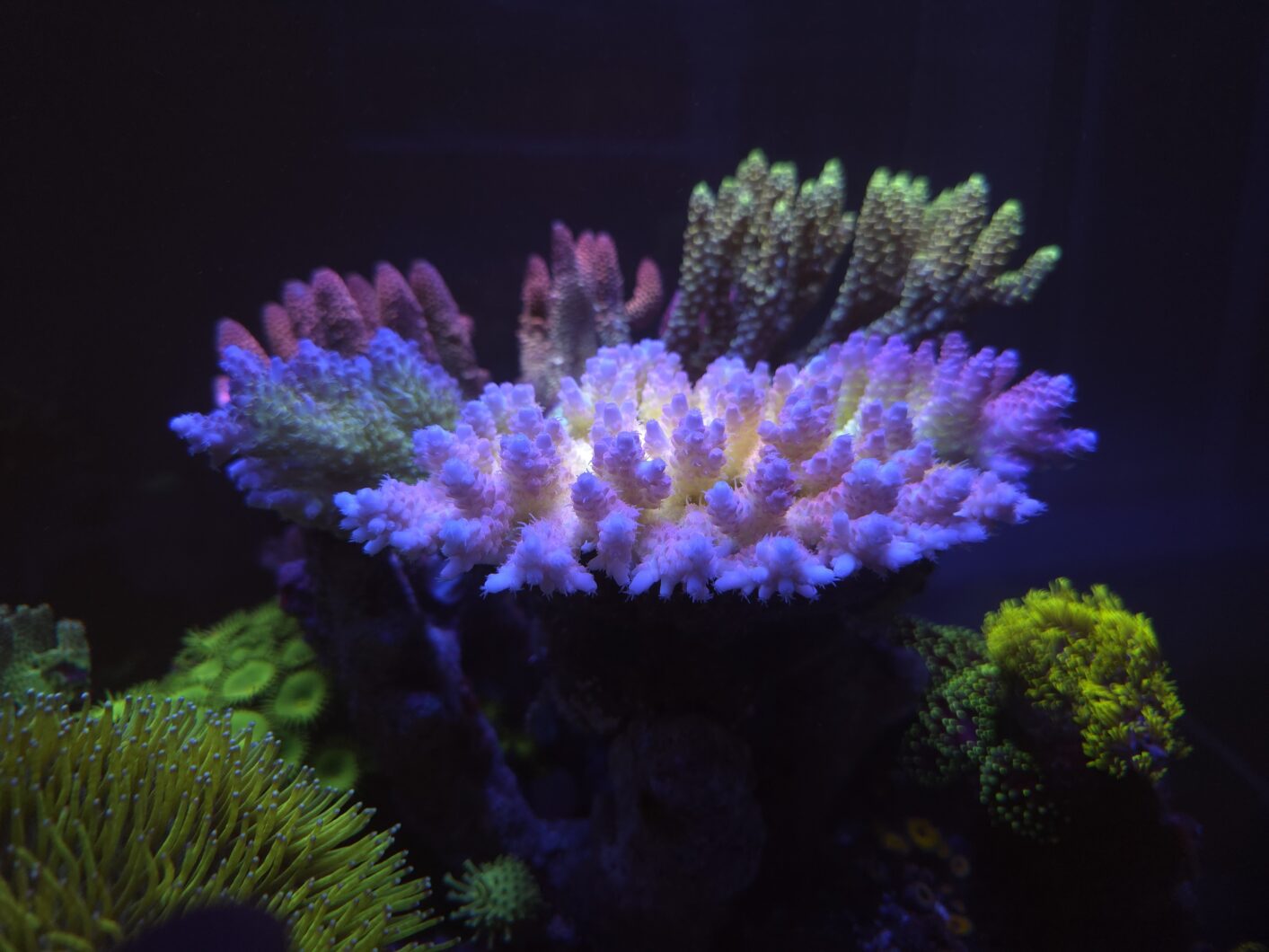
- Prevents excessive nighttime illumination
- Enables biologically accurate lunar simulation
- Ideal for coral spawning preparation
- Supports nocturnal behavior observation
- Allows precise tuning for sensitive reef ecosystems
More Advanced Features You Already Have Access To
In July 2025, Orphek introduced a powerful suite of advanced control features for iCon lighting systems — setting a new benchmark in precision, flexibility, and biological realism.
These innovations significantly enhanced Sun & Moon Synchronization, empowering aquarists, researchers, and coral farmers with unmatched control:
- Custom Program Synchronization — Your Lighting, Your Way
Synchronize multiple lighting programs across fixtures for seamless system-wide accuracy.
- Time Offset — Your Time, Your Way
Adjust photoperiod timing without disrupting biological cycles, research protocols, or operational schedules.
- Sync Calendar — Your Calendar, Your Spawning Season
Align lunar and seasonal lighting cycles with natural coral spawning periods.
Learn more: The iCon Experience, Evolved.
What Orphek iCon Solutions Provide
- Natural lighting that faithfully mimics real marine environments
- Extraordinary photochemical efficiency and spectral blending
- Unmatched dimming precision:
- 0–100% for Sun Cycle
- 0.001–1% for Moon Cycle
- Authentic lunar cycles for coral spawning
- Advanced seasonal control for reproductive success
- Intuitive, powerful app-based control
- Ideal solutions for coral farming, research facilities, and biobanks
- Advanced micro- and macro-biological rhythm stabilization
- Precise biological clock correction and long-term stability
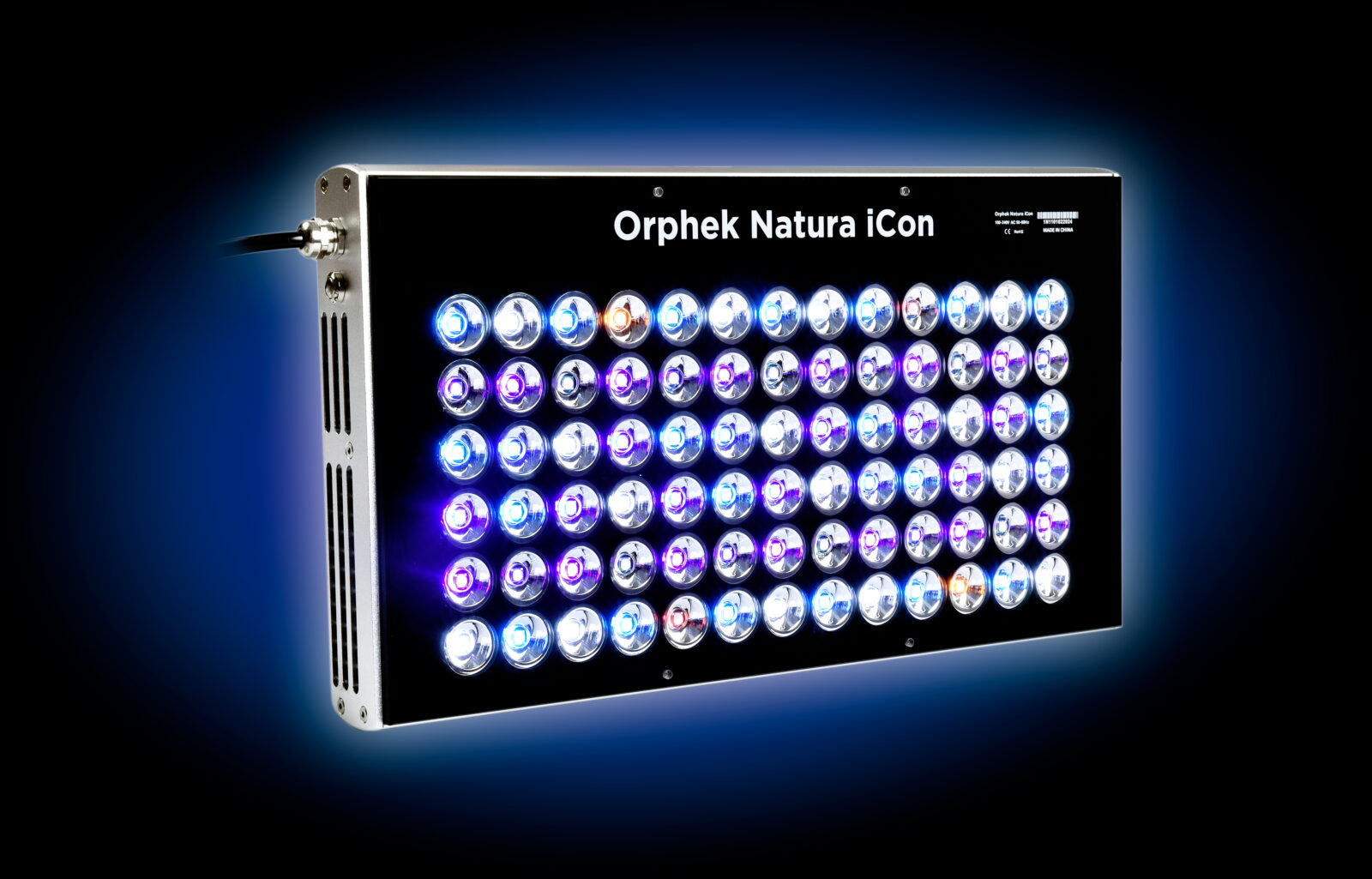
Orphek iCon LED Lighting Solutions
- Natura iCon
- OR4 iCon LED Bars
- Amazonas 960 iCon
- Atlantik iCon / Atlantik iCon Compact
- OR3 connected via Osix Smart Controller
- OR2 / OR3 upgraded with Orphek iCon Dim Driver
Want to install Orphek App in your device?
Orphek App For iOS (Apple Devices):
Open the App Store on your iPhone or iPad.
Search for “Orphek iCon.”
Locate the Orphek iCon App in the search results and tap “Get” to download and install it.

Orphek App For Android Devices:
Open the Google Play Store on your Android phone or tablet.
Search for “Orphek iCon.”
Locate the Orphek iCon App in the search results and tap “Install” to download and install it.

What are you waiting for?
Don’t miss the opportunity to buy Orphek iCon Solutions with unbeatable prices!
Any Further Questions? Enjoy free consultations with our local sales representatives. Contact us today!
Good readings about Orphek App:
Unmatched revolutionary control with Orphek App!
Subscribe to our youtube channel to watch our awesome videos and Orphek’s social medias to get the best of we can offer!
“Together we protect Nature’s Biodiversity for generations to come”.
Loving Nature as we do and being environment sustainably conscious, Orphek only develops products with a significant positive impact in everyone’s life, therefore we only offer the best environmentally friendly solutions that combine the most advanced & efficient technology and, most importantly, aiming the well-being of animals and humans all together, for now and for generations to come